
Build a messaging set-up that keeps working as channels change.
Customer channels change. Today it is SMS and WhatsApp, tomorrow something else. This article sets out how to plan your business messaging so you can add channels without starting over.
What a flexible messaging strategy looks like.
One platform, many channels
Connect SMS, WhatsApp, RCS, voice and email through one provider and one set of reports.
Smarter personalisation
Use AI to tailor messages and handle routine chat, while people handle the rest.
Data you can use
Collect conversation data so decisions rest on what customers did.
Reach across borders
Offer support in more languages and time zones.
Privacy by design
Protect customer data with access control and consent records.
Open interfaces
APIs let you add a channel without rebuilding your systems.
Use AI where it saves effort.
AI can suggest replies, group customers and answer common questions. It works best on narrow, well-defined tasks with a person ready to step in. Start small, measure, then expand.
- Chatbots for FAQs and bookings.
- Message content matched to customer interests.
- Analysis of past chats to spot patterns.
Join up your channels, don't multiply them.
Adding a new channel shouldn't mean a new vendor, a new dashboard and a new report. Choose a platform that lets you switch on voice, video or messaging apps as customers move to them.
- Same customer record on every channel.
- Fallback between channels, for example SMS if a chat message isn't delivered.
- Add voice or video when the use case calls for it.
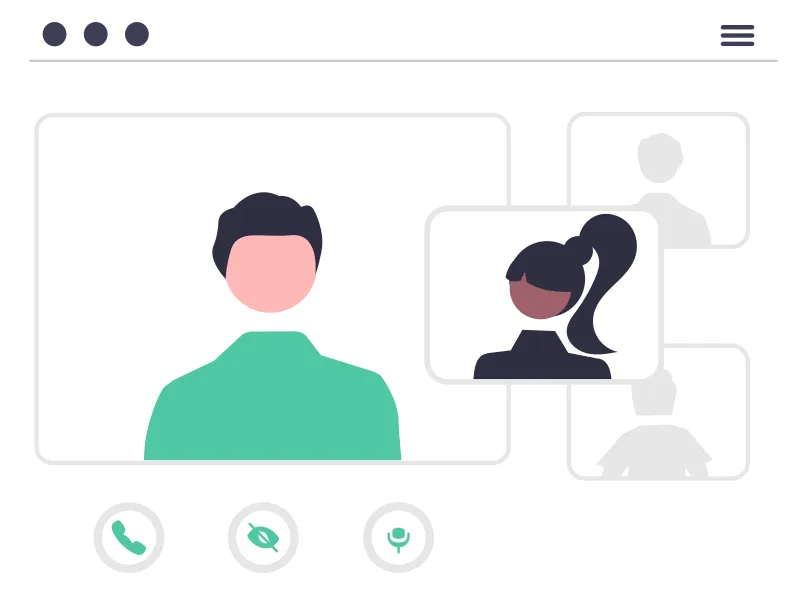
Earn trust with careful data handling.
The more channels you use, the more places customer data lives. Decide who may see what, keep records of consent and make it easy for customers to opt out.
- Role-based access for staff.
- Consent and opt-out records.
- Clear rules on what the bot may share.
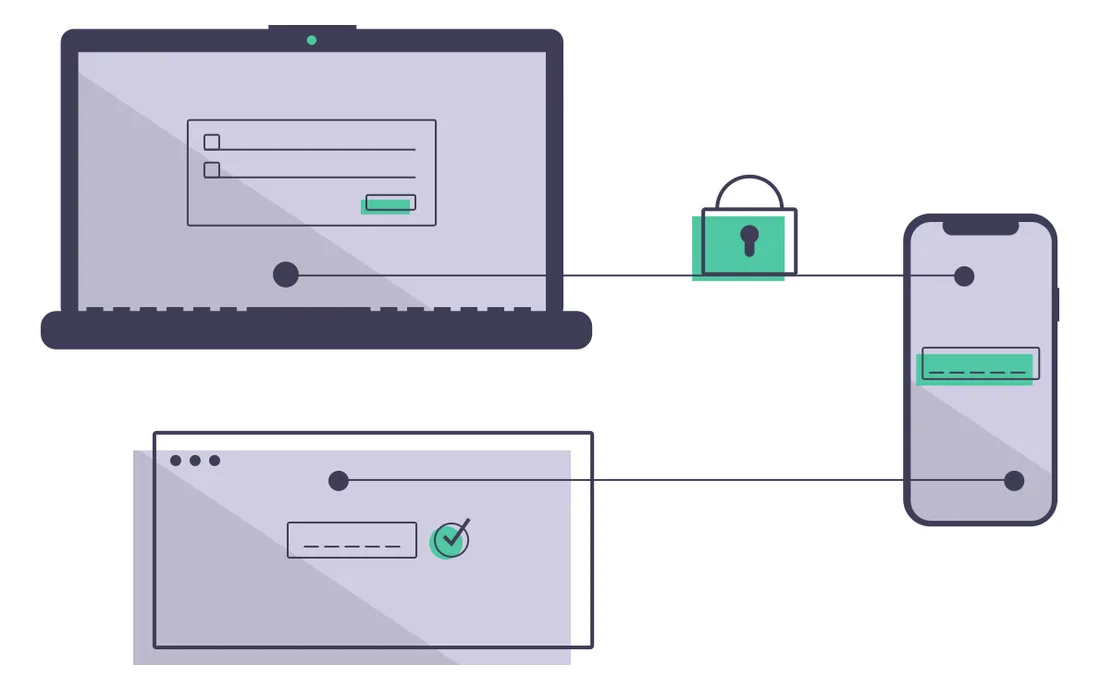
Questions to ask before you commit.
Can we add a channel?
Without a new contract or a rebuild?
Can we export data?
Reports and customer records should be yours.
Who sees what?
Roles, permissions and consent are defined.
Is a person always reachable?
Customers can leave the bot at any point.
Common questions.
What does future-proofing mean for messaging?
It means choosing tools and a structure that let you add new channels and features without rebuilding everything.
Is AI necessary?
Not for everyone. It helps most with repetitive tasks, such as answering common questions and sorting conversations. Start with one task and see how it goes.
Why use one platform for all channels?
One platform gives you a single customer record, one set of reports and one contract, and makes adding a channel simpler.
How do I keep customer data safe?
Limit who can see it, keep consent records, offer an easy opt-out and review how each channel stores data.
Keep reading
Planning your channel mix?
Tell us what you use today. We'll help you plan the next step.