
Voice IVR and outbound calling for business.
Answer callers with menus that route them correctly, and call your own list with recorded messages. Our voice platform handles both, and connects to your CRM through an API.

IVR for calls in, OBD for calls out.
Our voice offering has two halves. They share one platform, so you can run either or both.
Voice IVR
Interactive Voice Response. Callers hear prompts and press keys to reach a department, get information or finish a task without an agent.
Outbound Dialling (OBD)
Automated calls to a list of contacts. The same recorded message goes out to everyone you choose, at the time you choose.
Voice API
Trigger calls and read call results from your own application, so voice becomes part of your existing workflow.
Menus that send callers to the right place.
A good IVR saves your callers time and your agents effort. You design the menu once and the system handles the first part of every call.
- Multi-level menus. Press 1 for billing, then 2 for a due date. Build as many levels as the call needs.
- Call routing. Send each caller to the right department or agent, so fewer calls get passed around.
- Personal greetings. Use stored data to greet a caller by name or offer prompts that fit their account.
- Your own prompts. Menu options, voice prompts and call flows are set up around your business.
Reach people who don't read texts.
OBD plays a pre-recorded message to every number on your list. It is a fit when a spoken message works better than text, or when your audience is more comfortable with voice.
- Reminders. Appointment, payment and renewal reminders.
- Alerts. Service notices and time-sensitive updates.
- Announcements and offers. One message to a targeted group, sent in a single campaign.
- Personalised content. Change the message based on data about each recipient.

What else the voice platform can do.
Some of these features depend on how your project is scoped. Ask us what fits your case.
Voice authorisation
Add voice-based checks to protect sensitive actions and transactions.
Voice assistants
Speech recognition lets callers ask for information or report an issue in their own words.
Call analytics
Watch voice activity as it happens and use the results to improve your call flows.
OTP by voice
Deliver a one-time password through a call when a text message is not the right fit.
Connect voice to the systems you already use.
Our APIs link voice to your CRM, databases and business applications. Your team does not need to export lists by hand.
- Trigger calls from events. A missed payment or a new booking can start a call.
- Personalise from your data. Names, amounts and dates come straight from your records.
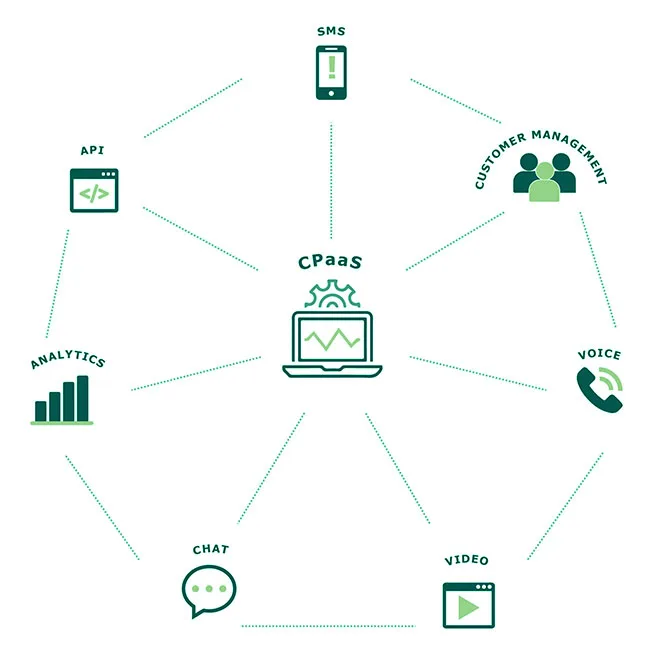
- Add other channels. Voice can sit beside SMS, email and in-app messages in one plan.
Industries that use voice every day.
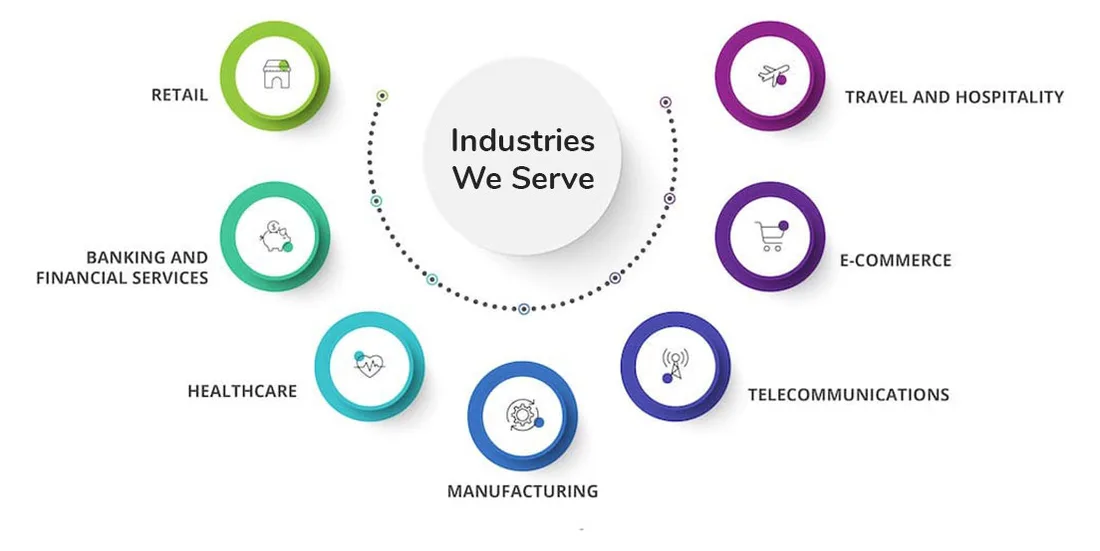
Voice IVR and OBD work wherever calls are frequent and the questions are repetitive.
Banking
Balance prompts, payment reminders and verification calls.
Healthcare
Appointment reminders and information lines.
Retail
Order updates, offers and feedback calls.
Customer service
First-level call handling before an agent picks up.
How a voice project usually runs.
Describe the calls
Tell us what callers ask, or what you want to announce.
Design the flow
We map the menu or message, and you approve the wording.
Record and test
Prompts are recorded and tested before any live calls.
Go live and review
Check call reports, then adjust the flow.
Common questions.
What is IVR?
IVR stands for Interactive Voice Response. It answers calls with recorded prompts, and callers respond by pressing keys. It routes calls, gives information and handles simple tasks without an agent.
What is OBD?
OBD means Outbound Dialling. The system places automated calls to a list of numbers and plays a recorded message, for example a reminder or an announcement.
Can I change the menu and prompts?
Yes. Prompts, menu options and call flows are set up around your business, so callers hear your own wording.
Can voice work with SMS and email?
Yes. Voice can be part of a multi-channel plan with SMS, email and in-app messaging. Contact us to plan the mix.
Is there a trial?
We have offered trial access to voice services. Ask our team about current trial options when you get in touch.
Related pages
Plan your voice service
Tell us what you want callers to hear and who you want to call. We will suggest a set-up.