
Talk to your customers on WhatsApp, at business scale.
VNS connects your company to the WhatsApp Business API. You can send updates and offers to thousands of customers, answer their questions from a shared inbox, and let chatbots handle the routine ones.
Your customers already live in the app.
Many people use WhatsApp for personal chats every day. When a company writes to them there, the message sits next to messages from friends and family, so it is much harder to miss than an email.
Notifications
Order, payment, delivery and booking updates sent the moment something happens.
Campaigns
Offers, coupon codes and festival greetings to the contacts who agreed to hear from you.
Support
Customers write in, and your agents answer from one shared screen.
Sales
Answer product questions and take the conversation through to an order.
Send to many people without losing the personal touch.
You upload or sync your contacts, pick a template and send. Each message can carry the customer's name, an order number or any other detail from your data.
- Announcements. New launches, service changes and policy updates.
- Reminders and invitations. Appointments, renewals, events and payment due dates.
- Official promotions. Offers and discount codes sent through the approved API route rather than from an ordinary number.
- Broadcast lists. Group contacts so each campaign reaches the right audience.
Let a bot take the repetitive questions.
Most support queues are full of the same ten questions. A no-code chatbot can answer those straight away, at any hour, and pass anything unusual to a person.
- Instant replies to common enquiries such as order status, timings or prices.
- Booking and scheduling handled inside the chat.
- Merged data. Pull a customer's details into the reply so it reads as personal.
- Third-party tools. Connect the systems you already use, so the bot can fetch real information.

More than plain text.
WhatsApp lets customers and businesses exchange more than words, and the API supports it.
Shared team inbox
Several agents work from one VNS inbox, so nobody has to share a phone or a login.
Images, video, documents
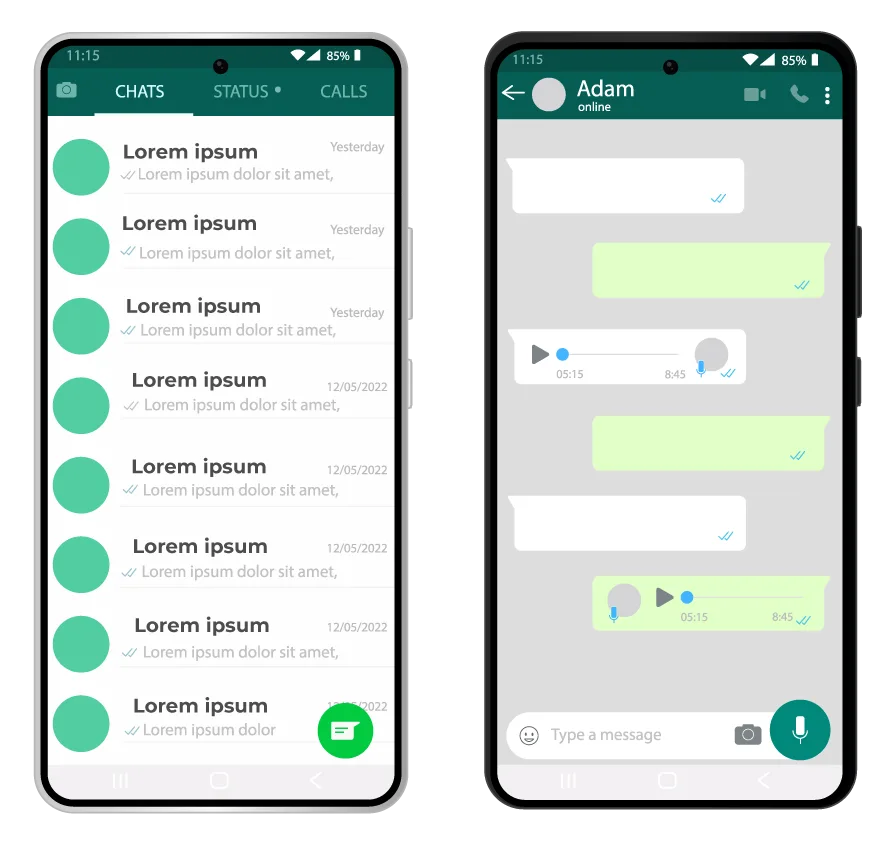
Share brochures and invoices, or ask customers to send photos and files for verification.
Location sharing
Customers can drop a pin, which helps with deliveries and service visits.
Contact cards
Send the right person's details using WhatsApp's own contact-sharing feature.
Contact tags
Label and group contacts so later messages can be targeted.
Pre-built integrations
Bring customer context into the chat with a few clicks instead of switching tabs.
See what each campaign actually did.
Because messages go through the API, you can follow them after sending. Check delivery, replies and engagement, then change your next message based on what you see.
- Delivery status for each message
- Response and engagement figures
- Contacts grouped by tag, ready for the next send
Who starts the chat changes the rules.
| Customer writes first | You write first | |
|---|---|---|
| Typical use | Support questions, order queries, pre-sales enquiries | Notifications, reminders, offers, announcements |
| Message format | Free-form replies from an agent or bot | Pre-approved message templates |
| Permission | The customer started the chat | Customer opt-in is needed first |
WhatsApp changes its conversation rules and charges from time to time, so we check the current terms with you when we plan your volumes instead of quoting figures here.
How we bring you onto WhatsApp.
Get in touch
Use the contact form or call us, and tell us what you hope to do on WhatsApp.
Plan the set-up
We look at your current tools, your customer base and your industry's needs, then agree a plan.
Connect your systems
We link your systems to WhatsApp and configure the features you chose.
Train and support
We show your team how to use it, and you can come back to us with questions later.
One customer, several channels.
Not every message belongs on WhatsApp. An OTP might go by SMS, a rich product card by RCS, a bill by email. VNS runs these channels on one platform, so you can pick the right one for each message and keep a single view of the customer.
- Use SMS as a fallback where a customer is not on WhatsApp
- Keep consent and preferences consistent across channels
- Learn from replies and feedback on every channel
Questions about WhatsApp Business API.
What is the WhatsApp Business API?
It is the interface that lets a company connect its own systems, such as a CRM, an order system or a chatbot, to WhatsApp. Unlike the free WhatsApp Business app, it is built for many agents, automation and large volumes of messages.
Do I need a developer to use it?
Not for everything. Broadcasts, the shared inbox and no-code chatbots are managed from a web dashboard. A developer is only needed if you want to trigger messages from your own application or connect a CRM.
Can I message anyone whenever I want?
No. You need the customer's permission (opt-in) before you start a conversation. Messages you start yourself use pre-approved templates, while replies to a customer who has just written to you are free-form.
Will my number get blocked for promotions?
Messages sent through the official API, to people who agreed to receive them and using approved templates, follow WhatsApp's rules. Numbers get into trouble when they send unwanted messages, so we help you set up opt-in and sensible sending.
How do I get started with VNS?
Contact our team and tell us what you want to do on WhatsApp. We look at your existing tools, plan the set-up, connect your systems, train your staff and stay available for support.
Go deeper on WhatsApp
Ready to message customers on WhatsApp?
Tell us what you want to send and who needs to answer. We'll suggest a set-up and walk you through it.