
Getting your business set up on the WhatsApp Business Platform.
The Platform is the API route into WhatsApp for companies. This page covers what you can do with it and how VNS, as a provider, gets you connected and running.
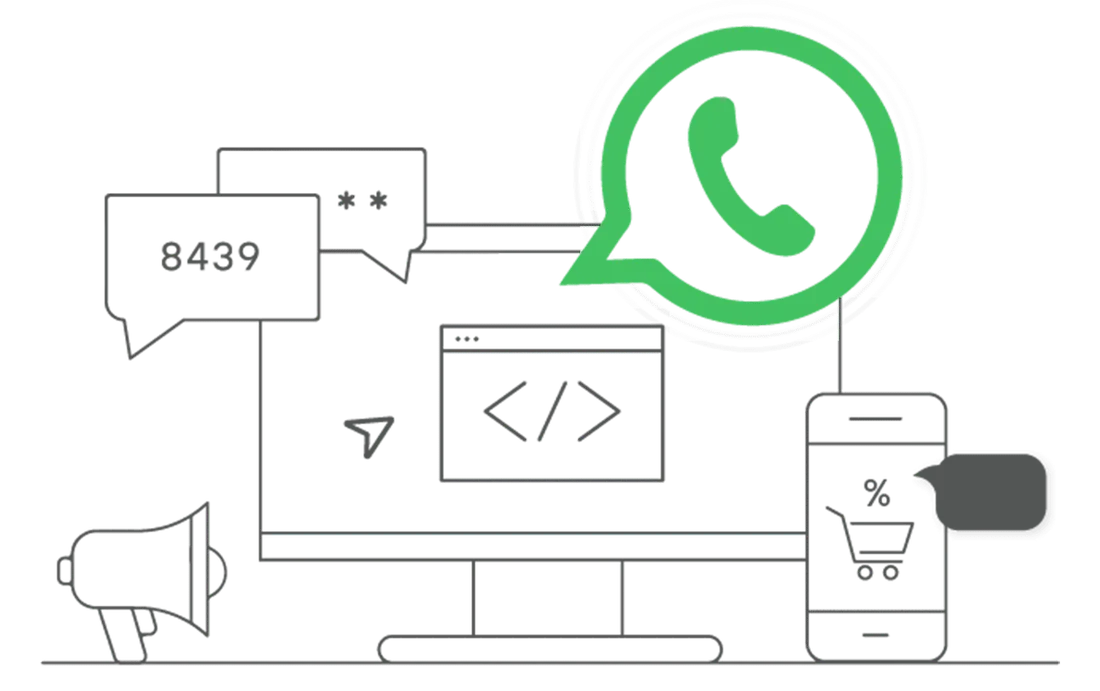
From first conversation to live number.
As a provider, we do the connecting. You decide what to say and who gets to say it.
Share your goals
Support, reminders, offers, sales? We want to know which job WhatsApp should do first.
Review your stack
We check the tools you already use, such as CRM or order software, and who will answer customers.
Connect and configure
We link your systems to the Platform and turn on the features you picked.
Train your team
Agents learn the inbox, and marketers learn how to build and send messages.
Go live and improve
Start sending, read the results, and call us when you want to adjust.
Chat like people do, as a company.
Most customers would rather send a quick message than wait on a phone line. On the Platform, that conversation can go both ways.
- Instant messaging. Answer questions and clear up worries while the customer is still interested.
- Two-way chat. Customers can ask questions and give feedback in their own words.
- Direct support line. Give people a quick route to your sales or service team.
Show it, don't just describe it.
Images and video
Product photos and short demo clips that show what you're selling.
PDFs and documents
Brochures, manuals and contracts that customers can open and keep.
Location
Let customers share where they are, or send directions to your nearest store or branch.
Four jobs the Platform handles well.
| Job | What it looks like | Effect for you |
|---|---|---|
| Appointments | Customer asks for a slot, gets a confirmation and a reminder, and can reschedule in the same chat | Fewer no-shows and less phone tag |
| Recommendations | Suggestions based on what a customer prefers or has bought before | More relevant offers |
| Time-limited offers | Flash-sale alerts and exclusive discounts for loyal customers | A reason to act now |
| Feedback | Feedback requests after a purchase, surveys, polls and contests | Honest input to improve your service |
Fewer missed visits, fewer calls.
Clinics, salons, banks, service centres and showrooms all lose time to missed appointments. Move booking into WhatsApp and the process gets lighter.
- Scheduling. Customers book consultations, demos or visits in chat.
- Reminders. Automated messages go out before the appointment.
- Confirm or rebook. One reply to confirm, or pick a new time.
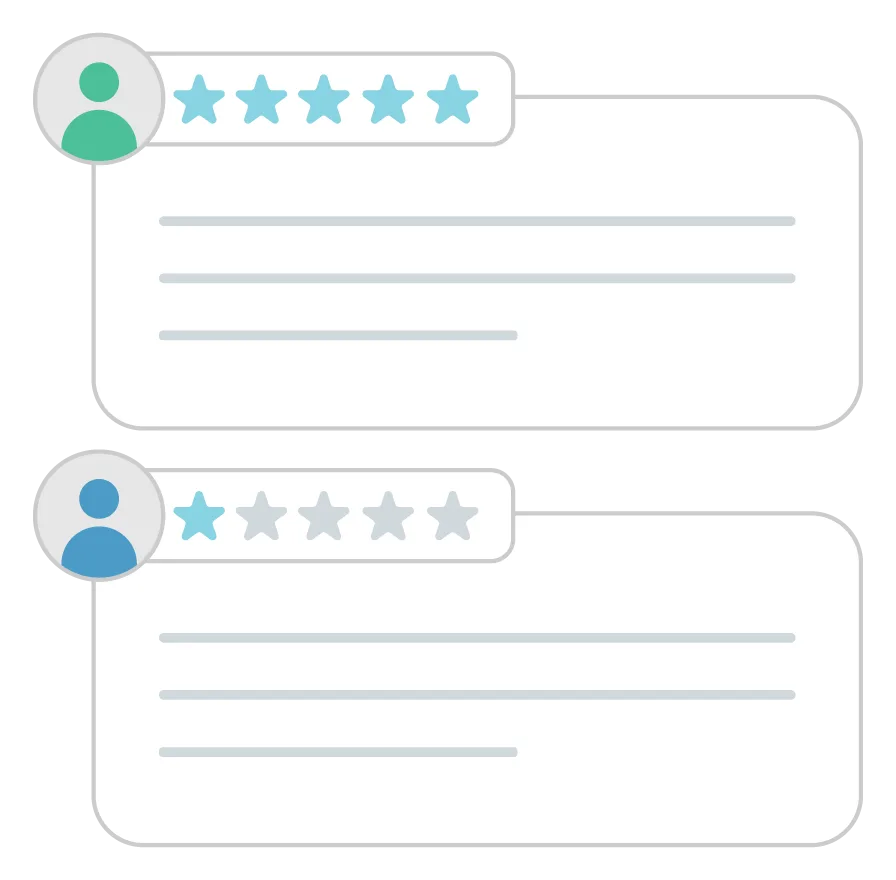
Ask, listen, then adjust.
After a purchase or a support chat, a short WhatsApp message costs the customer very little effort to answer.
- Request feedback on a recent purchase or interaction
- Share surveys on satisfaction and preferences
- Run polls, contests and giveaways to draw people in

A few things to have ready.
A business number and profile
The number customers will see, and the business details that go with it. We'll tell you exactly what is needed when we speak.
Customer consent
A record that people agreed to receive WhatsApp messages from you. Without it, don't start a chat.
Draft message templates
Outbound messages use templates that WhatsApp reviews first. We help you word them so they're clear and approved smoothly.
People to answer
Decide who will reply to customers and whether a chatbot handles the first line.
Questions about the WhatsApp Business Platform.
What is the WhatsApp Business Platform?
It is the business-grade way to use WhatsApp: your systems connect to WhatsApp through an API, so you can automate messages, serve many agents and send at volume. The free WhatsApp Business app is meant for a small shop on one phone.
Why use a provider like VNS instead of going direct?
A provider handles the technical connection, the dashboard and the day-to-day running, and gives you a team to call. You still own your customer relationships and your content.
Can customers book appointments over WhatsApp?
Yes. Customers can request a slot, receive a confirmation, get an automated reminder and reschedule, all inside the chat.
Can I send PDFs and photos?
Yes. You can send images, video, PDFs and other documents such as brochures, manuals or contracts, and customers can share their location.
Related pages
Want your number live on WhatsApp?
Talk to our team about your goals. We'll plan the connection with you and stay on hand after launch.