
Every RCS message type, and the tools to build them.
This page is the parts list: the cards, carousels and buttons you can send, the template builder you design them in, and the API and reports behind it. For the bigger picture, start with our RCS overview.
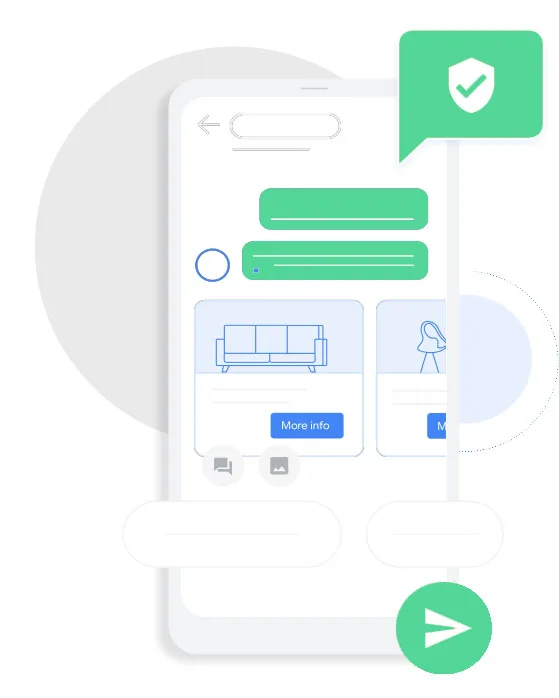
Choose the format that suits the message.
Each format has a job. Use the simplest one that gets the point across.
Text with suggested replies
A short question followed by tap-to-answer chips, such as Yes, No or Reschedule.
Rich card
One image, a title, a line of text and up to a few buttons. Good for a single offer or a booking.
Carousel
Several cards the customer swipes through. Suited to product ranges, menus or itineraries.
Media message
A standalone image, GIF or video with an optional caption.
Action buttons
Call now, open a link, book, buy or track an order. Each button opens the right action on the phone.
Guided flows
Menus and button paths that walk a customer through a task without typing.
Design cards without writing code.
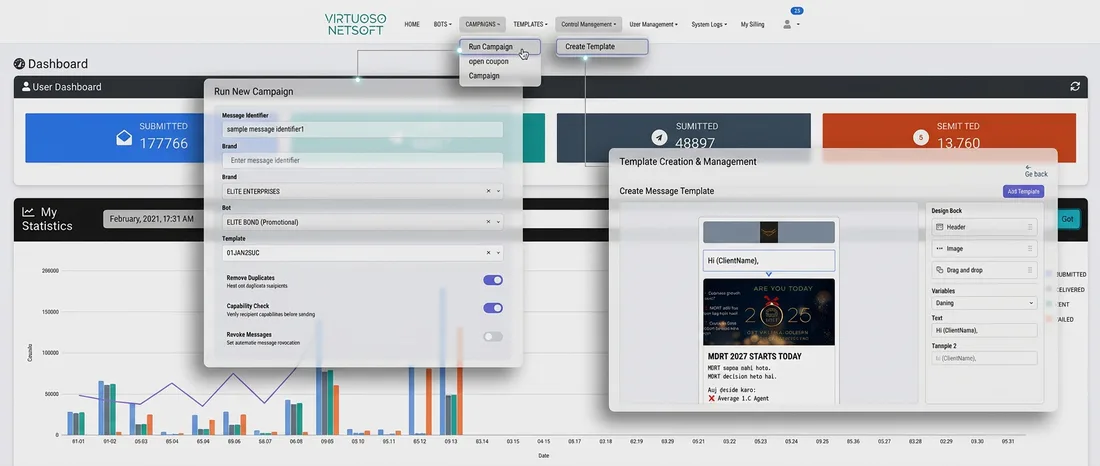
The template builder in the VNS dashboard lets your marketing team lay out cards and carousels, add buttons and send them for approval from one screen.
- Build rich cards, carousels and media templates visually.
- Set button actions and link redirects for each card.
- Keep every template in one library, with its approval status.
- Insert personal fields such as the customer's name.
- Run pre-launch tests before real customers see anything.
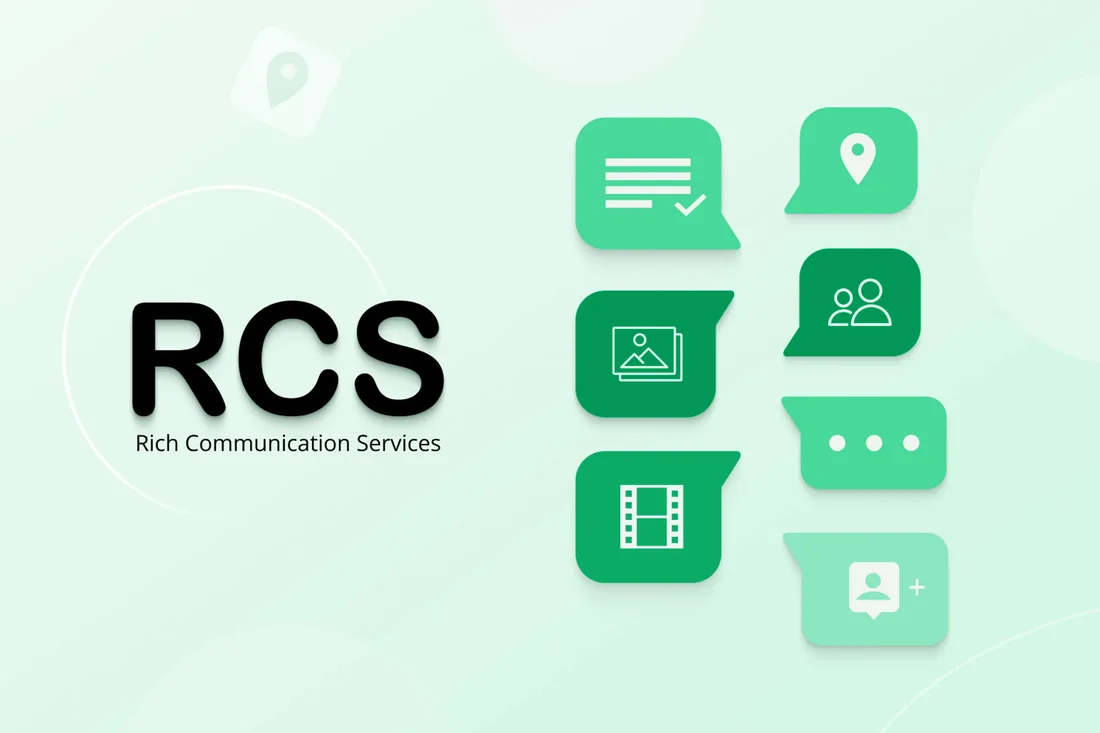
Components at a glance.
| Element | What it does | Typical use |
|---|---|---|
| Suggested reply | Tap-to-send answer chip under a message | Confirm, decline, choose a time |
| Call button | Starts a phone call to your number | Support, bookings |
| Link button | Opens a web page in the browser | Product page, payment page |
| Carousel | Horizontal row of cards | Catalogue, menu, plans |
| Media | Image, GIF or video in the thread | Offer banner, how-to clip |
| Fallback SMS | Plain-text version if RCS is not available | OTP, due dates, links |
What sits behind the message.
Sending is only part of it. These are the platform pieces that make RCS usable day to day.
- Business messaging API. Send rich messages, manage campaigns and fetch reports from your own software.
- CRM and tool connections. Trigger messages from events in your backend or marketing tools.
- Routing. Operator and Google connectivity handled for you, with automatic SMS fallback.
- Analytics. Delivered, read, clicked and button interactions in one view.
- Brand verification. Registration, verification and template approval handled with you.
What happens before the first send.
Brand registration
Your business name, logo and contact details are submitted.
Verification
The sender profile is checked so the verified mark can appear.
Template approval
Each card and carousel goes for approval before use.
Pre-launch testing
We send to test handsets and check how every element looks.
Questions about RCS features.
Which message types can I send?
You can send plain text with suggested replies, a single rich card, a carousel of several cards, and standalone media such as an image, GIF or video. Cards and replies can carry buttons for links, calls and other actions.
Do templates need approval?
Yes. Rich cards, carousels and media templates are submitted for approval before use. You manage them in one place in the dashboard, and we can test them on handsets before launch.
What does the API do?
It lets your own system send rich messages, start campaigns and read analytics such as delivery, read receipts, clicks and button interactions. It connects to a CRM or backend so events in your system can trigger messages.
What if the customer cannot receive RCS?
The message can automatically be sent as SMS instead. Rich elements do not carry over to SMS, so put the essential information in the text part.
Which operators does VNS connect to?
Our RCS routing uses operator and Google connectivity for India. Operator coverage changes over time, so ask us which networks are live for your audience when you request a quote.
Keep reading
Ready to build your first rich card?
Show us the message you have in mind and we'll tell you which format and template fit it.