
Keep dispatch, drivers and customers on the same page.
Use CPaaS to send delivery updates, driver instructions and exception alerts from your own systems, over SMS, voice, chat and email.
Logistics runs on messages, and most of them are scattered.
Dispatch uses one tool, the fleet team another, and customer service a third. When a truck is delayed, each team learns about it at a different time.
Teams out of sync
Dispatch, fleet management and customer service work from different information.
Late or missed notices
A driver doesn't get the new slot, or a consignee isn't told. Both cost money.
Generic messages
Customers get the same text whatever the shipment, so it rarely answers their question.
No trail
When a regulator or client asks who was told what, there is no single record.
Instructions that reach drivers and prove it.
Use SMS and voice to send route changes, schedule updates and delay notices to drivers and supervisors. Delivery reports show who got the message.
- Route and schedule changes sent as soon as dispatch decides.
- Driver check-ins by IVR or reply message when data coverage is poor.
- Remote onboarding. Use chat and video links to train and support new drivers without a trip to the depot.
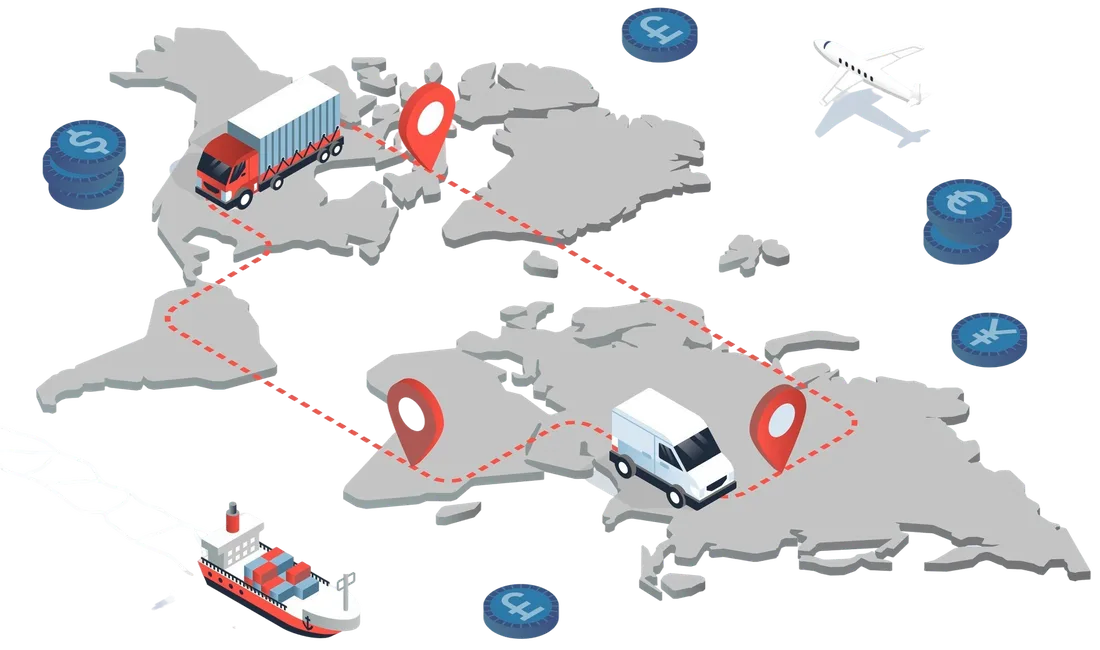
A last-mile delivery, step by step.
A generic flow that a courier or logistics team could set up. Adjust timing and channels to suit your operation.
Out for delivery
The customer gets an SMS or WhatsApp message with the delivery window and a tracking link.
ETA update
If the vehicle is running late, the system sends a revised time automatically.
Driver and customer connect
The customer can reply to reschedule or share a landmark. Calls can be masked so numbers stay private.
Proof of delivery
A confirmation message goes out when the parcel is handed over.
Exceptions
A failed attempt triggers a message with rescheduling options, and your team sees it in the dashboard.
More parties, one message trail.
Freight forwarders, port and customs contacts, suppliers and consignees all need different details. Public transit agencies have the opposite problem: thousands of riders need the same notice at once.
- Freight and customs. Coordinate by SMS, email and voice, with each message logged.
- Public transit. Broadcast delay, timetable and emergency notices to riders.
- Compliance material. Send schedules and documents by email and track the sends.
Which channel does which job.
| Channel | Typical logistics use |
|---|---|
| SMS | Delivery updates, ETA notices, driver instructions, delay alerts. |
| Voice and IVR | Urgent calls, multi-language menus, routing and escalations. |
| WhatsApp and RCS | Customer service chat, proof-of-delivery messages, two-way driver contact. |
| Invoices, bills, schedules and compliance documents. | |
| Video | Driver onboarding, remote inspections and issue resolution. |
Sensors can start the message.
If your vehicles carry IoT sensors, an alert such as a temperature change, low tyre pressure or leaving a set area can trigger a message to the right person through our API. A chatbot can answer routine status questions so staff handle the exceptions.
Condition alerts
Temperature or pressure readings from your sensors can raise an SMS or call.
Location alerts
Messages tied to arrival, departure or a route deviation.
Bots for routine queries
Answer "where is my order?" without opening a ticket.
A five-step integration checklist.
List your needs
Who must be told what, and how fast? Start with the two or three messages that matter most.
Choose channels
Pick the channel for each audience: drivers, customers, partners.
Connect by API
Link your transport management system through our API and webhooks.
Automate the flows
Define triggers, templates and fallbacks, such as SMS if chat is not read.
Monitor and refine
Use delivery reports and replies to adjust timing and wording.
Common questions.
Can this connect to our transport management system?
Yes. Our API and webhooks let your TMS or fleet software send messages and receive delivery reports and replies.
Is this only for large fleets?
No. You can start with a single flow, such as delivery ETA texts, and add channels later.
Can drivers reply to messages?
Yes, on two-way channels such as WhatsApp and IVR. Replies can go to your system or to a dispatcher.
How is this different from the passenger transport page?
This page looks at fleets, drivers and freight. The passenger page covers booking, delay and feedback messages for travellers.
Related pages
Want to plan a logistics messaging flow?
Share how your fleet and dispatch work today. We will suggest channels and help you connect them.